
RTL Tree
Commands: lazyverilog.rtlTree, lazyverilog.rtlTreeReverse
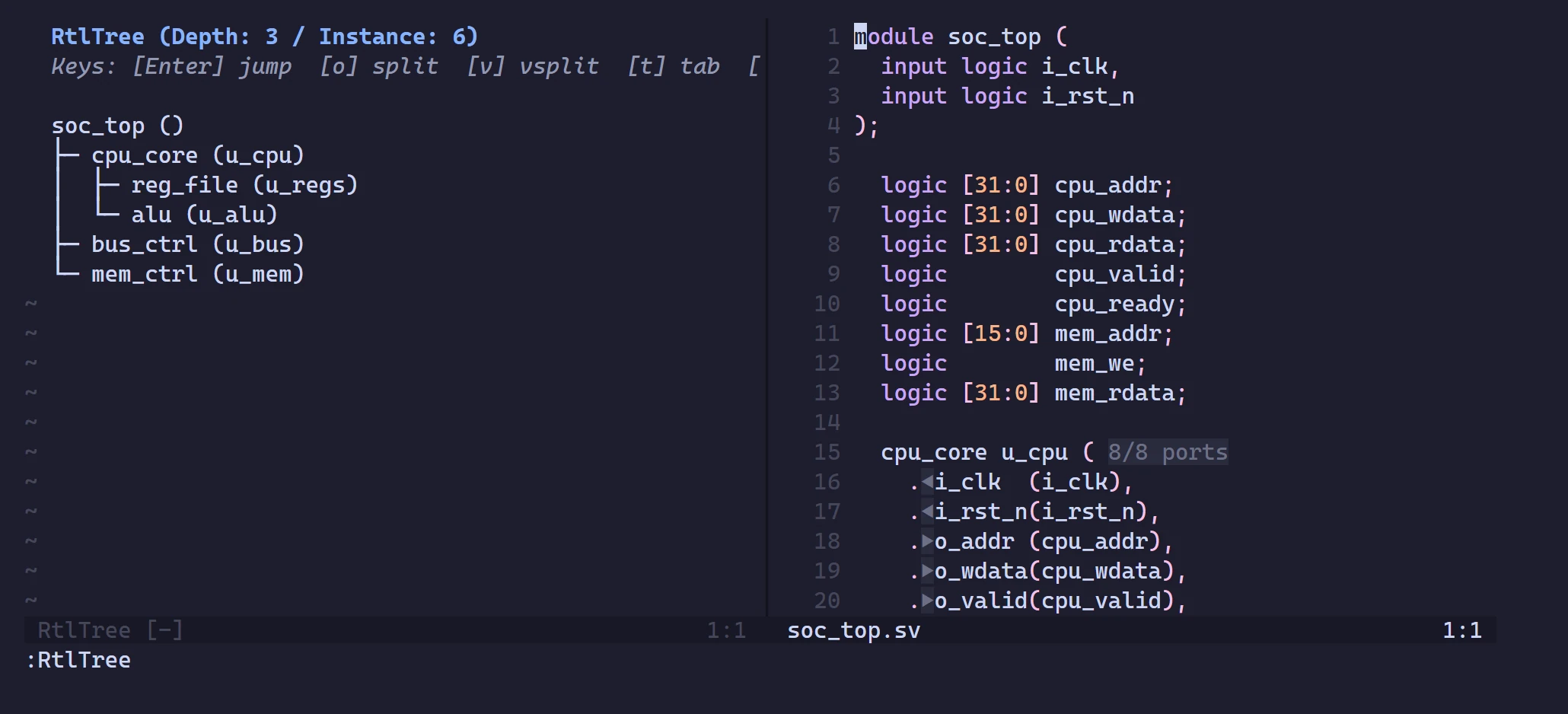
Builds a JSON instantiation hierarchy tree for the current module.
rtlTree— forward hierarchy: the module and all its instantiated children (recursively).rtlTreeReverse— reverse hierarchy: where the current module is instantiated.
toml
[rtltree]
show_instance_name = true
show_file = true| Section | Option | Type | Default | Description |
|---|---|---|---|---|
rtltree | show_instance_name | bool | true | Show module (u_instance) instead of just module |
rtltree | show_file | bool | true | Show the file each module is defined in |
Neovim and lazyverilog-rtltree append (u_instance) and [path/to/file.sv] to each line. VS Code shows the instance name in the label and the file as the item's description; the full path is always in the tooltip.
In Neovim, setup({ rtltree = { show_instance_name = false, show_file = false } }) overrides these two values for every project.
Keys in the Neovim window
| Key | Action |
|---|---|
<CR> | Jump to the module's definition |
o / v / t | Open it in a split / vertical split / tab |
r | Rebuild the tree |
q | Close the window |
In VS Code, click an item to jump to it. LazyVerilog: Refresh RTL Tree (also the refresh button in the view's title bar) rebuilds the tree.